White-label renders
HD photo packs (8 product views) and vertical 360/showroom videos your client can use for pre-orders and ads — watermark removal available.
You design caps for clients — and you're doing it with static template packs and hand-painted angles. CBOs gives you the real cap in 3D: rotate it, swap suede for corduroy in one tap, raise a true 3D puff off the crown, and hand your client an HD photo pack and 360 video instead of a flat JPEG. Deliver in an hour what used to take an evening.
Free to start — your first client board costs nothing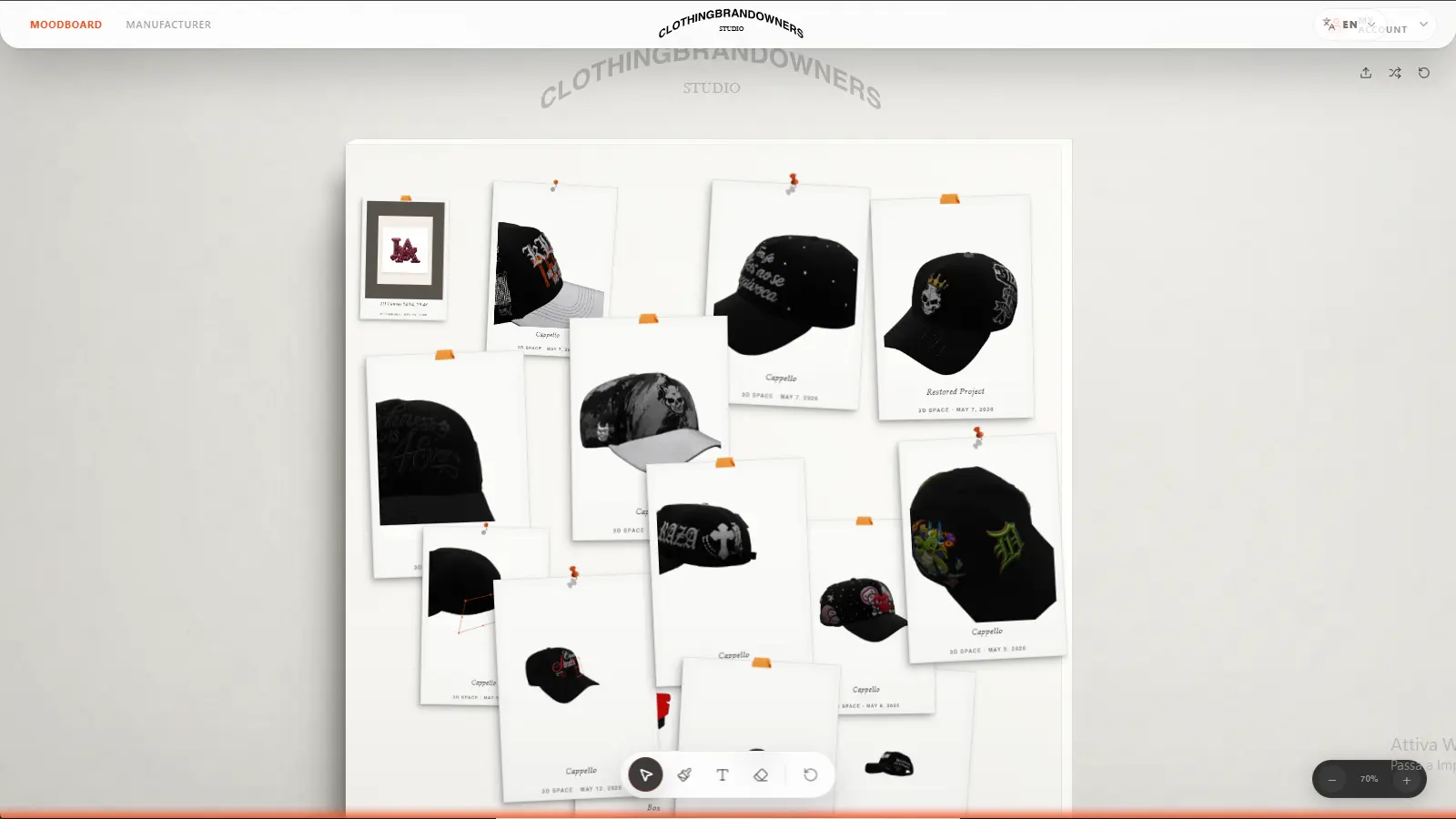
Every feature below is live in the Studio today.
HD photo packs (8 product views) and vertical 360/showroom videos your client can use for pre-orders and ads — watermark removal available.
The AI hat design workflow has a dedicated slot for your client’s logo, so generated artwork reproduces their brand faithfully instead of inventing one.
Every cleaned logo, AI output and imported graphic stays in your library — repeatable workflows across clients and revisions.
Full projects export as a single portable .cbos file: back up client work, move between machines, archive deliverables.
A client workflow that ends with a sample, not a mood PDF.
Collect references, textures and first sketches on the built-in moodboard — pins, polaroids and notes your client instantly understands.
Open the right model — trucker, dad hat, snapback, fitted — recolor panels with the fabric alive, and place the client's artwork on the actual surface.
Generate the HD photo pack and a 360 video from the same design. Your client gets launch-ready visuals with your name on the invoice.
When the client approves, the same design becomes a real sample for $60 in about 7 days — and you become the designer who also solved production.
A $25 template pack gives you someone else's angles. Your hand is still the talent — give it a cap that moves.
| Procreate template pack | CBOs | |
|---|---|---|
| Angles | The 1-3 views the pack ships with | Any angle — it's a real 3D model |
| Materials | Painted by hand, repainted per revision | Real suede, corduroy, cotton — recolor in one tap |
| Client deliverable | Flat images | HD photo pack + 360 video, white-label |
| After approval | Your client still needs a factory | 1 sample $60 → production from 50 pieces |
Your tool should pay for itself on the first job.
Client wants the crown in navy suede instead of black cotton? That's one tap and a re-render, not an evening of repainting angles.
A rotating 360 video and an 8-view photo pack justify a higher line item than a flat mockup — and they're generated, not hand-built.
When the client asks 'who makes it?', you have the answer inside the same workflow: sample for $60, bulk from 50 pieces. The IP stays with your client.
Yes. Designs you create for clients belong to you and your client — the IP always stays with the design's owner. CBOs manufactures caps; it doesn't claim rights over your work.
HD photo packs render clean, and the showroom video watermark can be removed with tokens — so your client deliverables carry your studio's name, not ours.
No. You deliver renders, videos and the moodboard presentation; your client never has to touch the tool. If they later want production, the sample order runs through your design.
No — it completes it. Many designers sketch artwork in Procreate, then bring it into CBOs to place it on the real 3D cap, test materials and produce client deliverables. The 2D editor also covers brush work, layer styles and text if you want one tool.
Starting is free. Pro is €25/month with 1,000 AI tokens included for AI recipes and HD renders — less than most designers charge for a single mockup revision.
Open the Studio free, build the first cap on a real model and send your client something they haven't seen from anyone else.