Is CBOs a 3D hat designer or cap design software?
Both descriptions fit. It is hat design software that runs in a browser: you build the cap itself — panels, crown, fabric, closure, trims — and then place artwork on a 1:1 3D model of it. What separates it from a customizer is that nothing on screen is a fixed blank, and what separates it from general 3D software is that it only does caps.
Is the 3D hat designer free?
Yes. Opening a cap model, rotating it, recoloring panels, uploading a logo and previewing decoration is free, with no credit card. AI generation and HD render exports run on CBOs Pro. The costs that are not free are physical: a sample is $60 and production starts at 50 pieces.
Do I need to know 3D modeling to use it?
No. There is no cap modeling to do — the five cap models are already built and correct, so your work is choosing the construction, recoloring panels and dragging artwork into place. If you can move a file into a browser window you can use it.
Which cap models can I design?
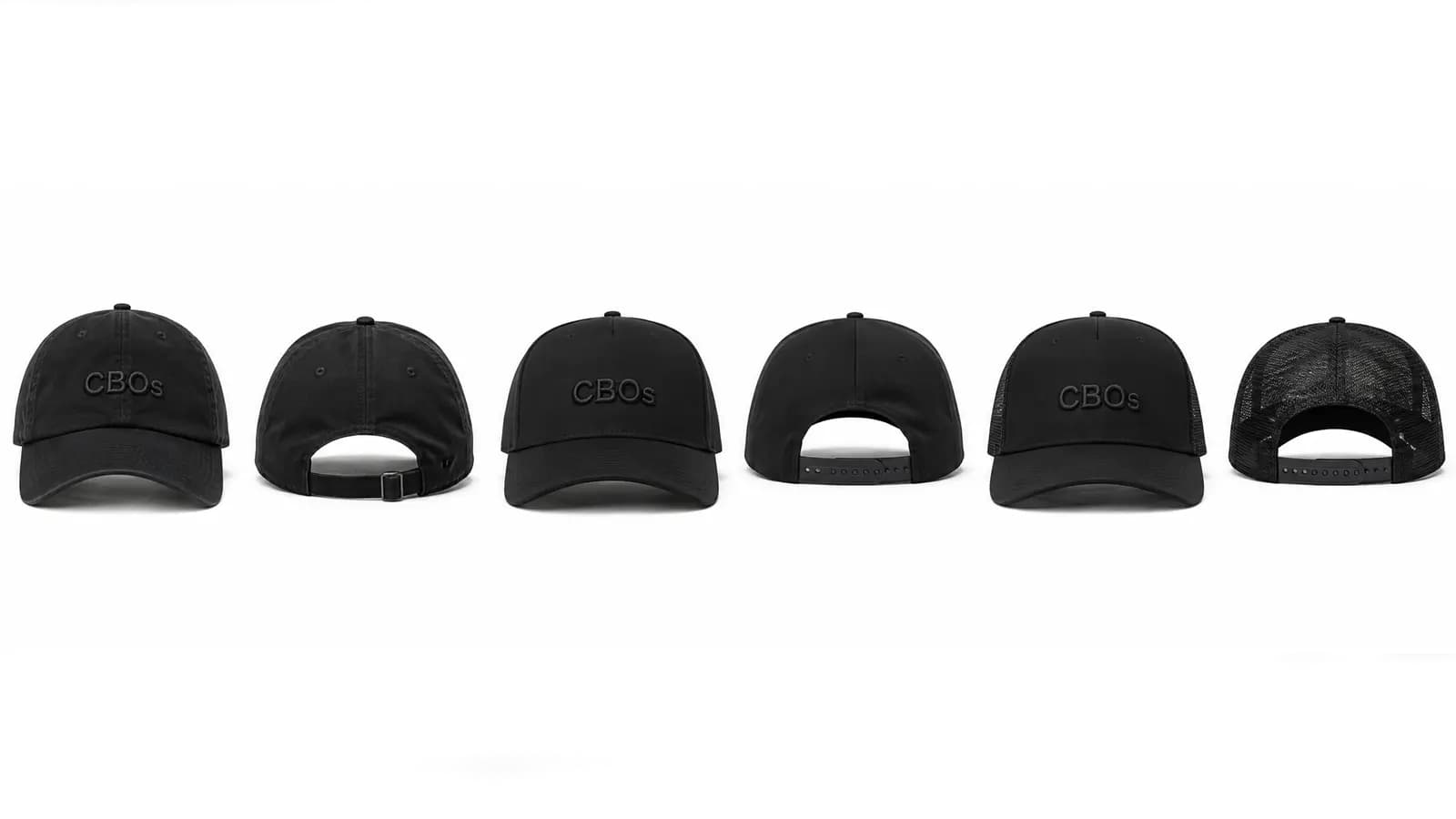
Five: a Baseball Hat 5 Panel, a mid-profile 6-panel, an A-panel streetwear crown, a dad hat and a flat fitted. Between them they cover snapbacks, mesh-back truckers, camper 5-panels, rope and golf caps, dad hats, fitted flat brims and streetwear A-frames.
Can I use it as a baseball hat design tool?
Yes. The Baseball Hat 5 Panel model has a single uninterrupted front panel, and the mid-profile 6-panel model gives you the classic center-seam baseball front. Both take flat embroidery, patches and side marks, and both can be sampled and produced.
What is the difference between this and a hat mockup generator?
A mockup generator flattens your artwork onto a photo of a blank someone else made. Here the cap is a 3D model of a cap CBOs manufactures, so you can change the cap and not only the graphic, and the same design continues into a $60 sample and a 50-piece run. If you only need an image for a post, a mockup generator is faster and that is a fair choice.
Which devices does the hat editor run on?
It is a web app, so it runs in the browser on desktop, Android phones and tablets, iPhone and iPad with nothing to install. iPhone and iPad users can also install the CBOs app from the App Store. There is no Android app and no desktop download.
Where does the artwork come from?
From wherever you already have it. Upload a logo, build lettering and graphics in the CBOs 2D editor, or generate artwork with AI and clean it up before placing it. The 3D editor is where that artwork meets the actual cap shape.
Can it preview embroidery, pins and rhinestones properly?
It previews the decoration methods CBOs produces: flat embroidery, 3D puff with real surface displacement, chenille, woven and leather patches, soft-enamel and hard-enamel metallic pins, and heat-set rhinestones painted onto the crown. It shows intent and scale accurately. Thread color and stitch quality are confirmed on the physical sample.
Does a 3D cap design replace a physical sample?
No, and it should not. The 3D design settles placement, scale, colorway and decoration method. The sample settles thread color under real light, fabric hand, stitch height and fit. That is the whole reason one cap costs $60 instead of nothing.
Can I order just one cap from a design?
Yes. One physical sample of your design is $60 and usually takes about 7 days. Bulk is separate: 50 pieces per design and colorway, roughly $10-15 a cap, about 14 days after you approve the sample, with payment split 50/50.
Can the 3D design become launch visuals?
Yes. An approved cap can be rendered into HD product images for a product page, an ad, a deck, a line sheet or a pre-order, which is usually how brands test demand while the physical sample is still being made.