Design your own custom hat, then CBOs makes it real
Use the CBOs web app to create a custom cap from scratch in 2D and 3D, even if you are just starting. Build artwork, shape the cap, preview details, order 1 physical sample, then move into 50+ piece production when the sample is approved.
Start from a blank idea, logo or rough concept
Open the CBOs 2D Editor and create the artwork that will live on the cap. You can type text, upload a logo, clean image assets, build simple graphics or prepare more advanced artwork for panels, patches and embroidery.
Beginner friendly: Beginners can start with simple text, uploaded images and guided visual choices.
Expert ready: Experienced designers can prepare cleaner artwork assets, scale marks and plan placement before 3D review.
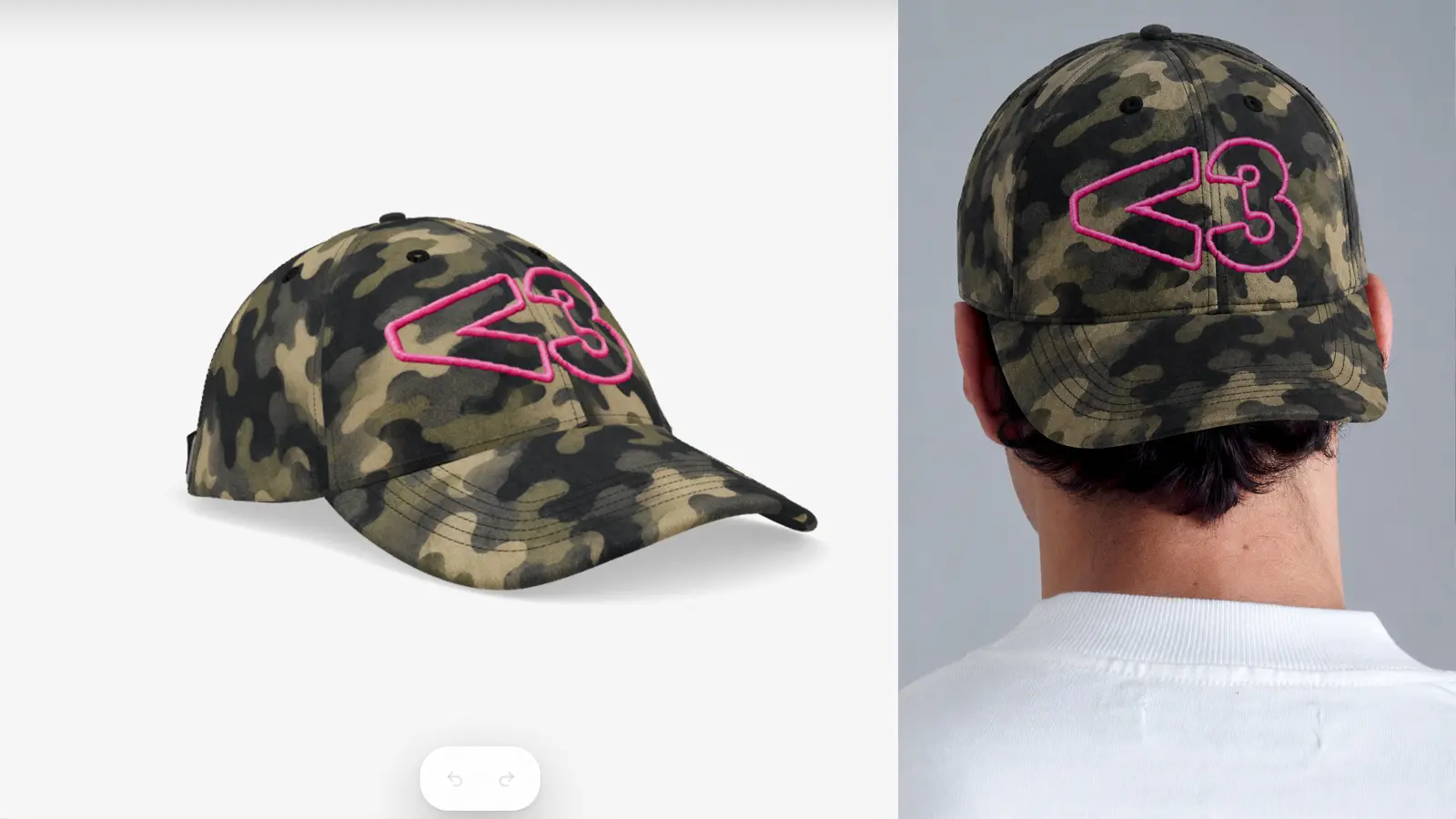
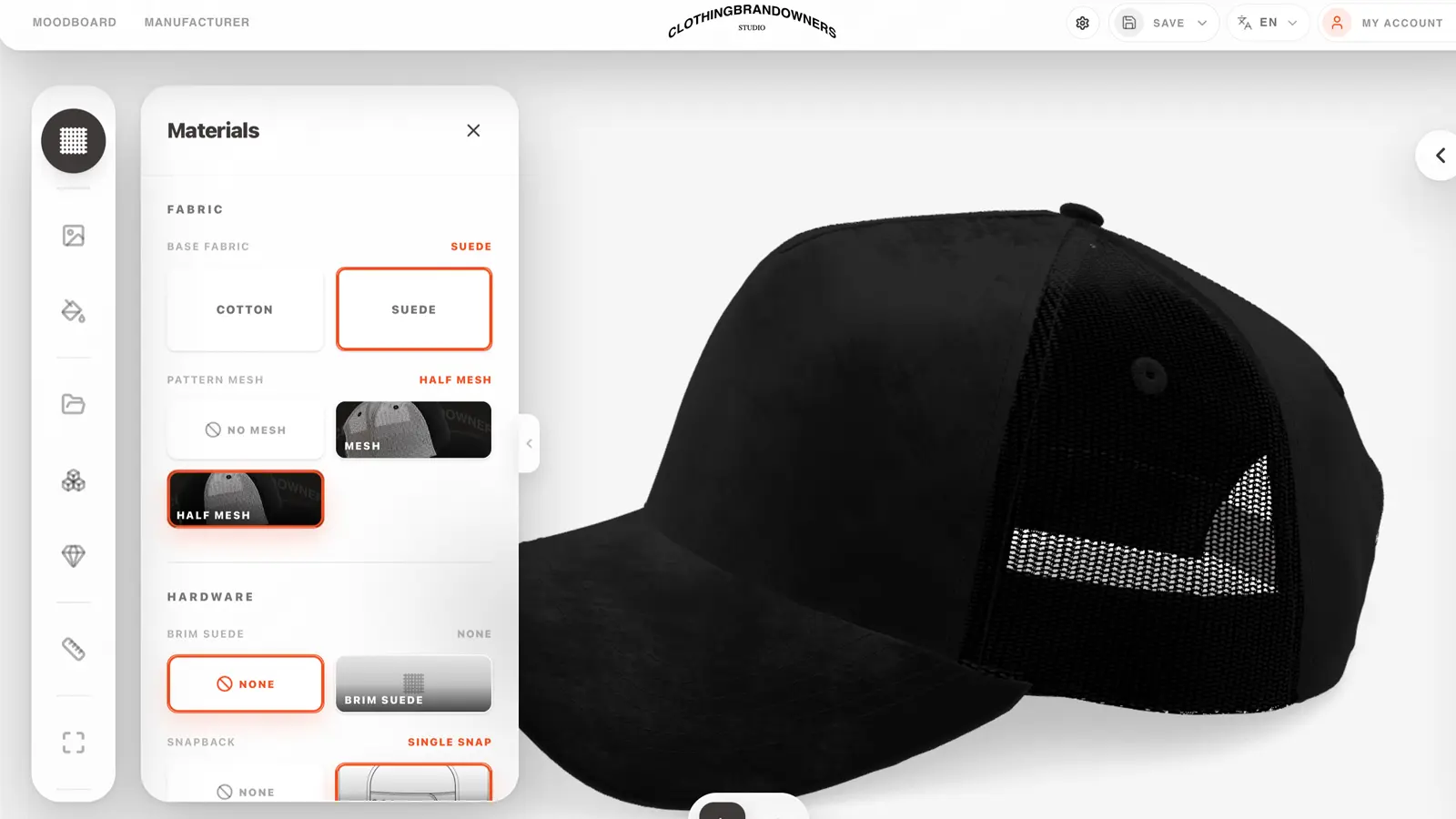
Build the actual cap in 3D
Move into the CBOs 3D Editor to choose the cap shape, crown, panels, brim, closure, colors and materials. Instead of guessing from a flat mockup, you see the custom hat take shape in the browser.
Beginner friendly: Beginners can use the 3D preview to understand what looks good before ordering anything.
Expert ready: Experienced brands can control silhouettes, panel balance, material direction and production references.
Add the details that make the hat feel real
Preview premium decoration before sampling: flat embroidery, 3D puff, patches, metallic pins, rhinestones, brim details, labels and trims. The goal is to make the design clear before money goes into a physical sample.
Beginner friendly: Beginners can test details visually without needing manufacturing vocabulary first.
Expert ready: Experts can compare decoration direction, placement, finish and scale before the sample brief is written.
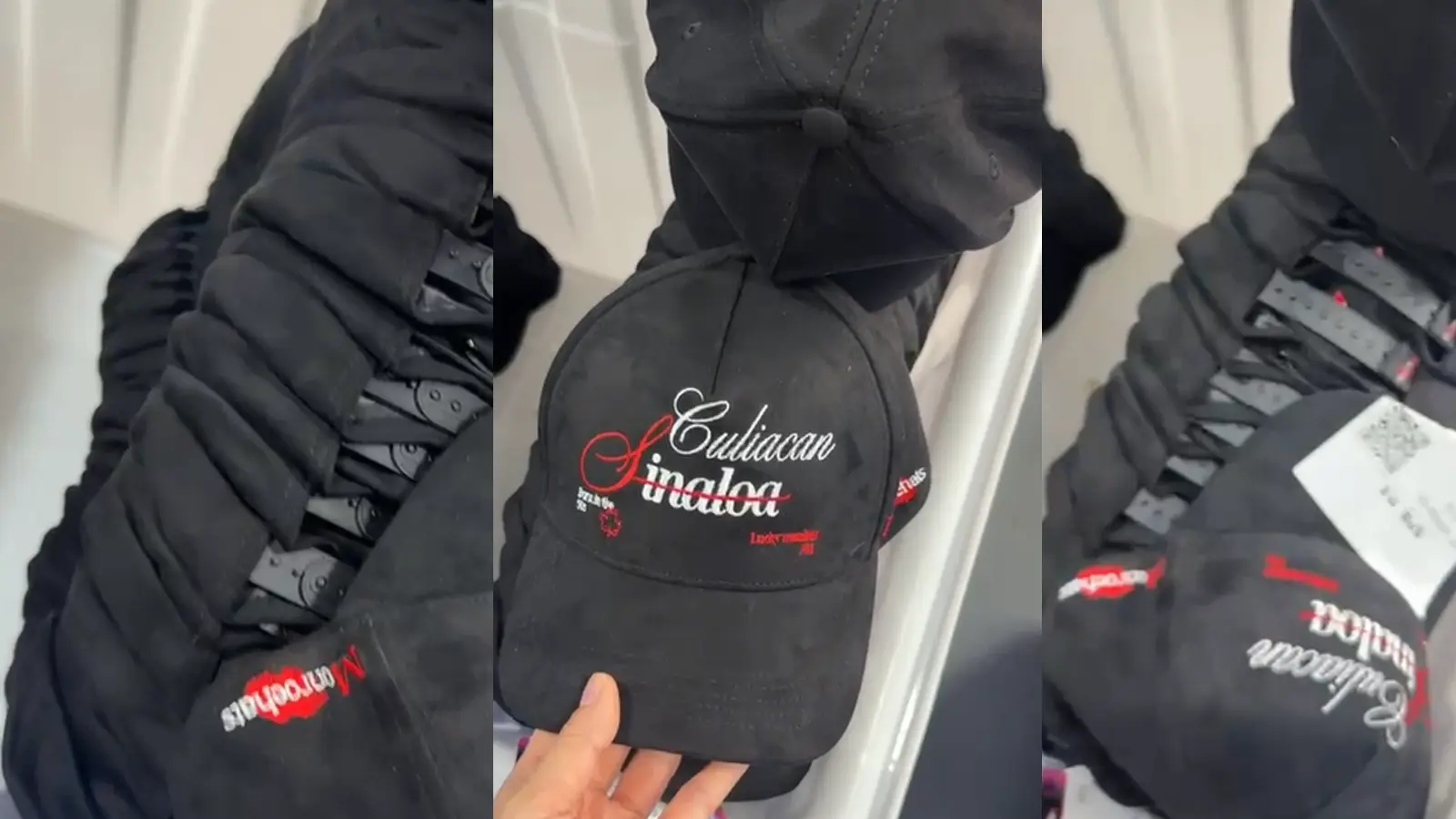
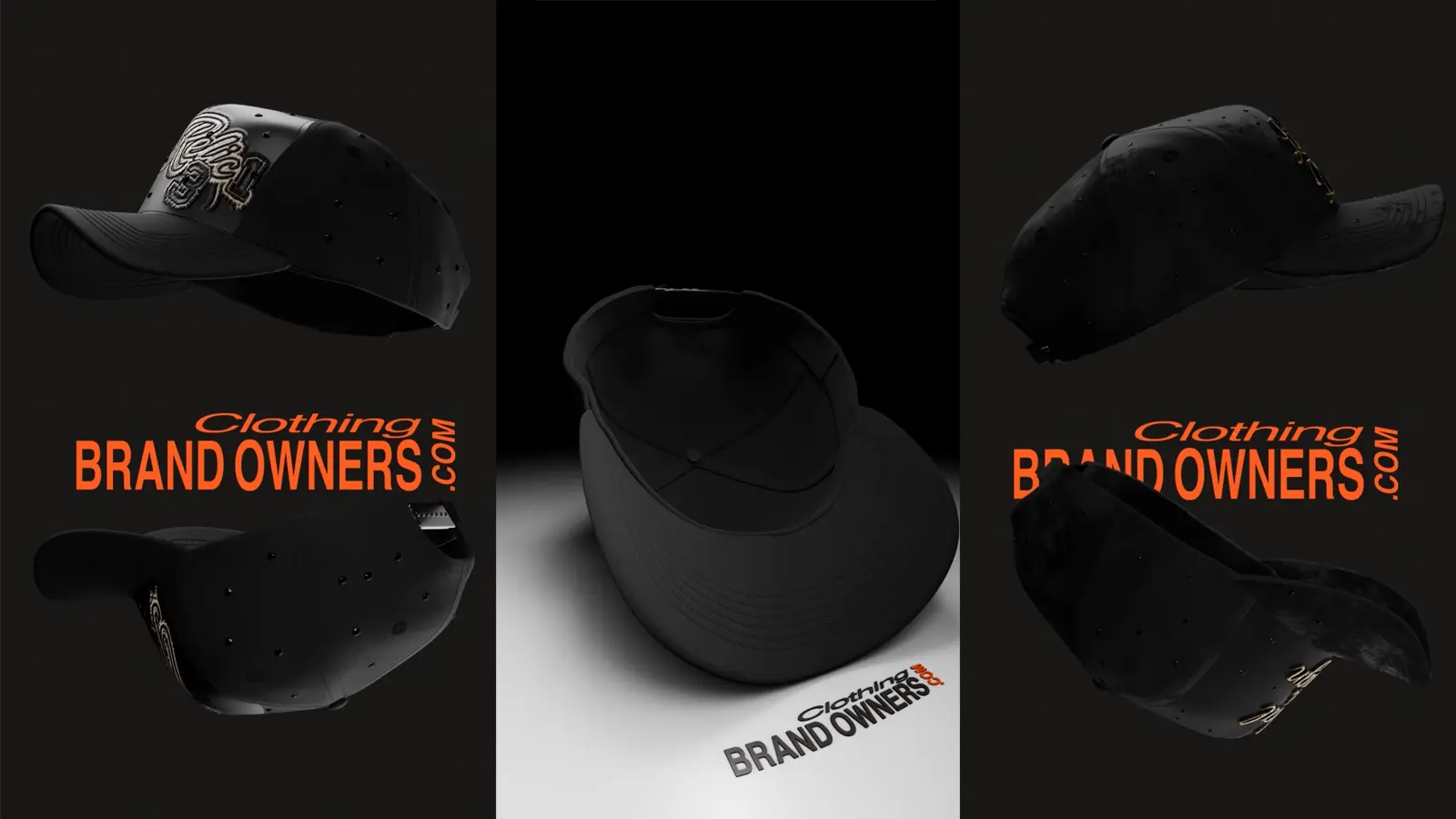
Preview the cap before it becomes a sample
Rotate the design, check the front, sides, back and brim, then generate clearer visuals for feedback, pre-orders, product pages or internal approval. This is where the customer can fix direction before production starts.
Beginner friendly: Beginners get confidence because the cap is visible before committing to a sample.
Expert ready: Experts get sharper launch visuals and references for team review, buyers or production partners.
CBOs checks if the design can be made correctly
The customer designs the hat, but CBOs does not leave the production side to guesswork. We review materials, decoration, placement, MOQ, sample direction and manufacturing limits before the project moves forward.
Beginner friendly: Beginners get help translating a visual idea into something a factory can actually make.
Expert ready: Experts get a production-minded review before sampling, useful for avoiding avoidable revisions.
Order 1 sample, then produce the drop
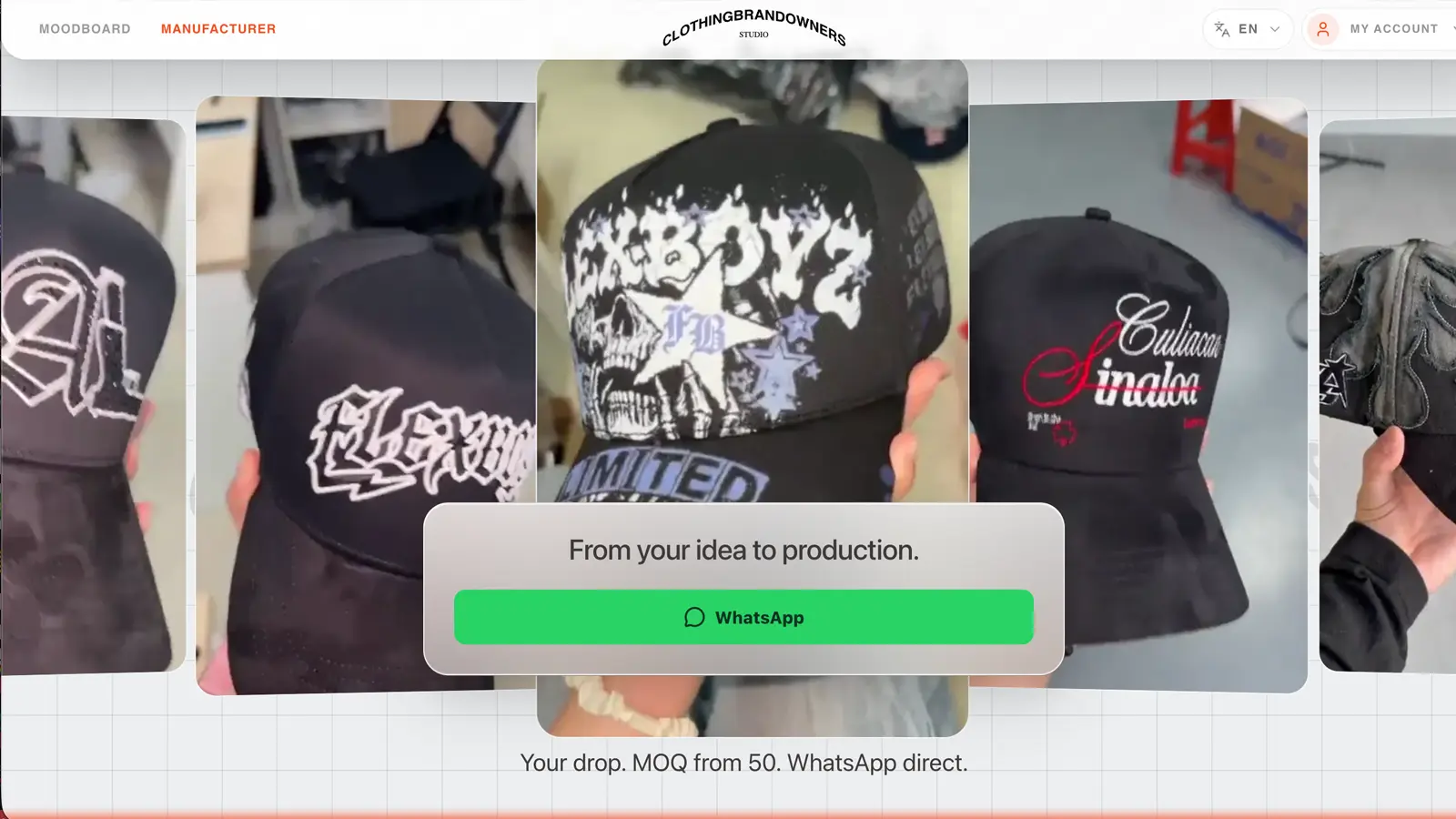
After the design direction is clear, CBOs helps move into 1 physical custom cap sample. Once the sample is approved, the same project can move into low MOQ production from 50 pieces with private label details and packaging.
Beginner friendly: Beginners get a clear path from first design to real cap without needing a full tech pack on day one.
Expert ready: Experienced brands can use CBOs for structured drops, repeatable production and more detailed cap collections.
Questions customers ask before designing a custom hat
Do I design the hat myself, or does CBOs design it for me?
You design the custom hat yourself inside the CBOs 2D and 3D editors. You can create artwork, choose the cap shape, test colors, add materials and preview details before the project moves into CBOs review, sampling and production.
Do I need to be a designer to use CBOs?
No. CBOs is built so beginners can start with simple steps: upload a logo, add text, choose colors and preview the cap in 3D. You do not need professional design experience to begin.
Is CBOs still useful if I am already an experienced designer?
Yes. Experienced designers and brands can use CBOs for more precise artwork placement, material direction, decoration planning, product renders and sample-ready production references.
Can I start even if I only have a rough idea?
Yes. You can start from a blank idea, a rough concept, an existing logo, text, or uploaded image assets. The workflow helps turn that first idea into a clearer custom hat design.
Can I upload my own logo?
Yes. You can bring your own logo or image assets into the design workflow, then use them as part of the cap artwork and 3D preview.
What if I do not have a logo yet?
You can still start. The 2D editor is meant for creating simple text, graphics and visual direction before moving into the 3D cap preview.
What happens in the 2D Editor?
The 2D Editor is where you prepare the artwork: logos, text, simple graphics, image cleanup and visual elements that can later be placed on the cap.
What happens in the 3D Editor?
The 3D Editor is where you build the actual cap visually. You can choose the cap shape, crown, panels, brim, closure, colors, materials and placement direction.
Is this just a basic mockup generator?
No. A basic mockup usually shows a flat logo on a generic hat image. CBOs is built around a full cap workflow: artwork, 3D preview, decoration details, sample review and production direction.
Can I see the hat before ordering a sample?
Yes. The point of the 3D workflow is to preview the cap before paying for a physical sample. You can check the shape, front, sides, back, brim, materials and decoration direction first.
Does the 3D preview replace the physical sample?
No. The 3D preview helps make better decisions before sampling, but the physical sample is still needed to confirm fit, materials, construction and real decoration quality.
Can I add embroidery, patches, pins or rhinestones?
Yes. The workflow is built to preview premium details such as flat embroidery, 3D puff, patches, metallic pins, rhinestones, brim details, labels and trims before sampling.
What if I design something that cannot actually be manufactured?
CBOs reviews the design before production. If a material, placement, decoration or detail creates a production issue, the project can be adjusted before moving into sampling.
So I am not completely alone after designing it?
Correct. The customer controls the creative direction, but CBOs reviews the production side. The goal is to help turn the visual design into something that can be sampled and manufactured correctly.
Do I need a full tech pack before starting?
No. You can start without a full tech pack. CBOs helps turn the visual design, artwork, material choices and decoration direction into a clearer production reference.
Can CBOs help if I only know the vibe I want?
Yes. You can begin with a rough direction, then use the editors to test artwork, colors, materials and details until the cap becomes clear enough for review.
Can I use CBOs for serious brand production, not just playing with designs?
Yes. The workflow is meant for real custom hat projects: design, preview, sample review and low MOQ or bulk production.
Can I use the renders for product pages or pre-orders?
Yes. Approved 3D designs can become clearer visuals for feedback, internal approval, product pages, pre-orders or launch planning.
Will the final manufactured hat look exactly like the 3D preview?
The 3D preview is a production reference, not a guarantee that every fabric texture, stitch, fit and construction detail will be identical. That is why a physical sample still matters before bulk production.
Why should I use CBOs instead of sending a logo directly to a factory?
Sending only a logo leaves many decisions unclear: cap shape, panels, materials, placement, embroidery scale, trims and construction. CBOs helps define those details before the factory makes a sample.
Can beginners make something professional-looking?
Yes, because the workflow makes decisions visual. A beginner can start simple, see the cap in 3D and improve the design step by step instead of guessing from flat files.
Can experts go deeper than beginners?
Yes. Experts can use the same workflow with more precision: artwork scale, placement, materials, decoration strategy, render direction and sample references.
What happens after I finish the design?
CBOs reviews the design for production, then the project can move into a physical sample. After sample approval, it can move into low MOQ or bulk production.
Can I change the design before sampling?
Yes. That is one of the main reasons to use the 2D and 3D workflow. You can adjust the direction before money goes into a physical sample.
Is CBOs for one quick custom hat or for brand drops?
The workflow is built more for real product development and brand production than one-off instant checkout. It is meant for caps that need design clarity, sample review and production planning.
What if I already have finished artwork?
You can use existing artwork as the starting point, place it onto the cap in 3D and review how it works with the shape, materials and decoration direction.
What if my artwork looks good flat but bad on the cap?
That is exactly what the 3D step is for. It helps you catch scale, placement and balance problems before sampling.
Why does CBOs review the design after I make it?
Because visual design and production are not the same thing. CBOs checks whether the chosen details make sense for sampling and manufacturing, so the project has fewer avoidable problems later.